
STEP 01
Prior Identification
The person states who they are with a user ID, document or credential. This tells the system which record the face will be compared with.
AreaFACE is Areatec's proprietary facial recognition engine. It adds face confirmation to workflows in which the person already identifies themselves, such as shift check-in, service desks and the approval of sensitive actions.
This is the 1:1 mode with prior identification, the mode Areatec recommends for any system. The workflow starts from a record enrolled beforehand by the organization. When the process requires it, the same engine can also compare the face against a registered base (1:N) and return the most similar record above a minimum threshold.
The person states who they are with a user ID, document or credential. This tells the system which record the face will be compared with.
At verification time, the face image is captured and, before any comparison, goes through Areatec's own normalization and image treatment. The engine includes liveness detection (anti-spoofing) to flag fraud attempts at capture.
Each face becomes a compact mathematical template of up to 512 bytes. This template is what AreaFACE uses in comparisons.
The face is compared with the record of the person identified in step one, and the engine confirms whether or not it is the same person. The application then follows the workflow defined by the organization.
The logic is the same in every scenario: the person identifies themselves first and the face confirms it is them. Each organization decides how the result fits into its process and which other controls to apply.
In Areatec products, for example, the operator signs in with their usual login or credential, and AreaFACE uses the face to confirm it is them before the shift starts.
The citizen or customer shows a document or gives their record number, and the face confirms they are the holder of that record. The comparison is made with the stated record, not with an entire database.
Before approving reports, unlocking administrative access or changing critical records, the system asks the person already identified in the session to confirm with their face that it is them.
The difference between the two modes is what the face is compared with: the record of the person who identified themselves (1:1) or an enrolled database (1:N).
The person identifies themselves first, with a user ID, document or credential, and the face confirms they are that person. The comparison is limited to the record of whoever identified themselves. This is the mode we recommend for any system.
The engine can also work in 1:N: it ranks the face against an enrolled database and returns the highest-ranked candidate above a minimum similarity factor.
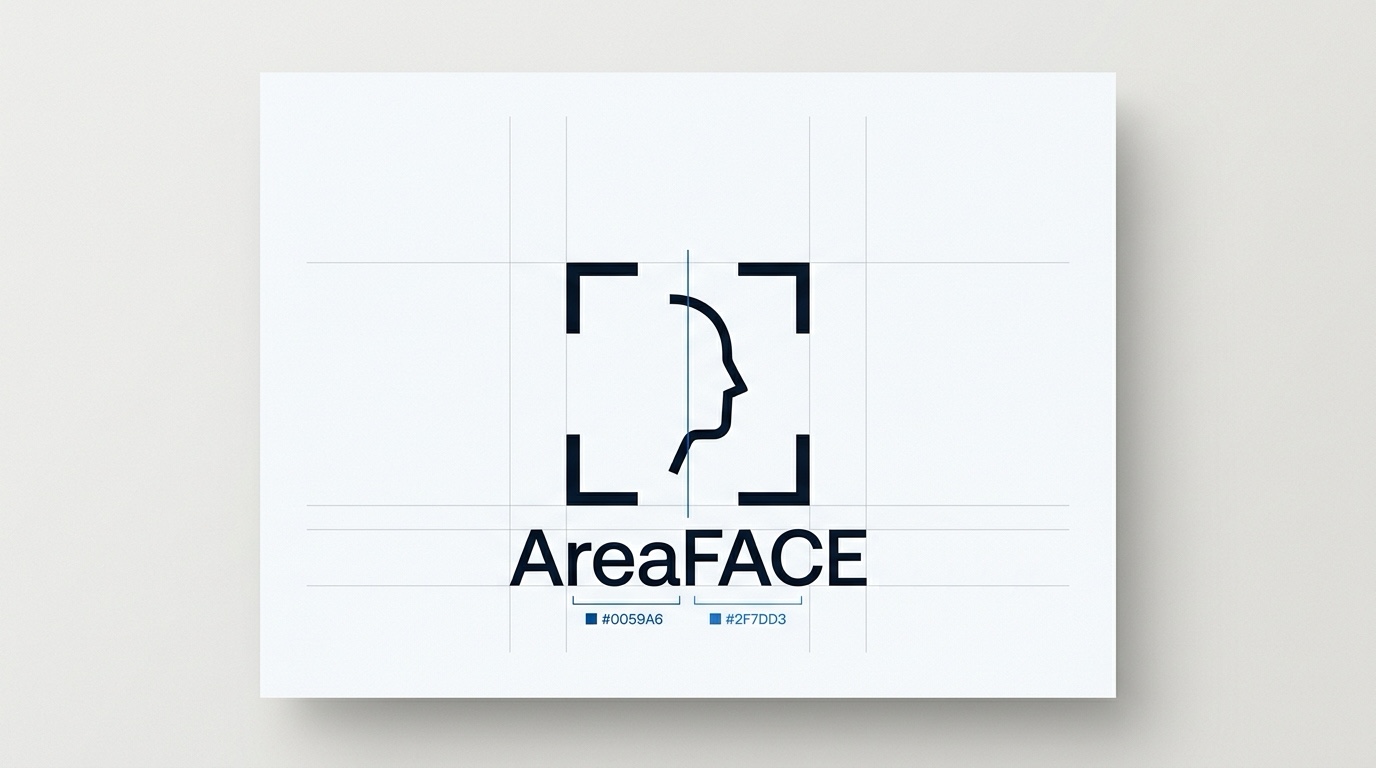
The AreaFACE brand reflects its function: four framing brackets frame the face, and the vertical axis represents the direct 1:1 confirmation between the identified person and the face presented.
In Areatec Tecnologia solutions, AreaFACE can work alongside two separate products. They are not part of the facial recognition engine: they are integrated in each application as needed.
 Facial recognition engine by Areatec Tecnologia
Areatec's proprietary facial recognition engine. In the recommended mode, it uses the face to confirm that the identified person is who they claim to be.
Areatec product for location, integrated in each application as needed.
A separate Areatec product for hash-chained records. The integration can be done directly by the AreaFACE server.
No software makes an operation compliant with the LGPD or the GDPR by itself. Processing biometric data depends on the legal and operational decisions of the organization deploying the technology.
We do not publish a fixed price table. Each proposal is scoped with our engineering team according to the modality and the size of the institution.
For municipalities, public agencies and operations already running or procuring Areatec Tecnologia platforms.
For enterprises, government portals and custom software teams that want to add AreaFACE face confirmation, with prior identification, to their workflows.
For public agencies and organizations with specific infrastructure, security or data requirements. The feasibility and format of a dedicated deployment are evaluated case by case.
A municipal service desk, a field shift check-in and an enterprise portal are each sized differently. Tell us about your scenario in the form below and our team will reply by email with a proposal.
Answers for engineering teams, public-sector leaders and Data Protection Officers (DPOs).
AreaFACE is Areatec's proprietary facial recognition engine. It adds face confirmation to workflows in which the person already identifies themselves, such as logins, service desks and the approval of sensitive actions. In the recommended mode, the person first identifies themselves with a user ID, document or credential, and the face confirms it is them.
Before comparison, the face image goes through Areatec's own normalization and image treatment. Each face becomes a compact mathematical template of up to 512 bytes. This template is what the engine uses in comparisons. AreaFACE stores the mathematical templates, not face images.
In 1:1 verification, the person identifies themselves first and the face is compared with that person's record to confirm it is them. In a 1:N search, the engine ranks the face against an enrolled database and returns the highest-ranked candidate above a minimum similarity factor. AreaFACE can work in both modes, but the mode we recommend for any system is 1:1 with prior identification.
Yes. The engine includes liveness detection (anti-spoofing) to flag fraud attempts at capture.
Generic lab numbers say little about your operation: performance depends on the camera, the lighting and the profile of the base. Formal measurement of false accept and false reject rates, following ISO/IEC 19795, is being prepared. Until then, we evaluate AreaFACE in your scenario, with your base and your conditions, in a proof of concept.
Other implementation details of the engine are proprietary and are not published on this site. Technical questions about using AreaFACE in your scenario are handled by our engineering team: schedule a demonstration through the contact form.
International standards such as ICAO Doc 9303 (Part 9) do not define which technology should produce the facial template: each recognition engine is proprietary. AreaFACE is the engine developed by Areatec, and we do not claim conformity or certification with those standards.
PinTrust (location) and AreaChain (hash-chained record) are separate Areatec products and are not part of the AreaFACE engine. They are integrated in each application as needed, and the AreaChain integration can be done directly by the AreaFACE server.
Pricing is defined through technical and commercial contact, according to the modality: (1) inclusion in contracts for Areatec products; (2) licensing for integration with your systems; (3) dedicated deployment, evaluated case by case. Contact us through the contact form or at contact@areaface.com.
Integration with your systems is done through SDK and API. The integration approach is defined with our engineering team, according to your system and the licensing modality. AreaFACE can be installed on the client's infrastructure (on-premise), including isolated networks. We recommend keeping prior identification in the workflow: your system identifies the person by user ID, document or credential, and AreaFACE confirms with the face. Tell us about your scenario through the contact form.
Fill in the form with your operational profile and scenario. Our team replies to the email you provide to arrange the demonstration or discuss integration.
Use this form to schedule a demonstration of the AreaFACE engine with our team or to request a proposal. There are three phases: you indicate your operational profile and the modules of interest, share your details and scenario, and our team replies to the email you provide.
By submitting, you acknowledge that Areatec will process these details to reply to your request, as described in the Privacy Policy.